Download Sys-I: Android System Info free on android
APK file Sys-I 9.8.1How to install APK / APKS / OBB file on Android
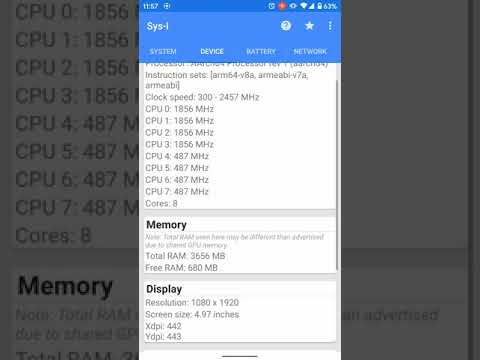

Sys-I provides detailed information about the hardware & software of your Android device.
Data is separated into categories on cards for easy reading using Android's beautiful Material Design.
Current categories include:
- Operating System
- Google Services
- Processor
- Memory (RAM)
- Internal Storage
- Display
- Device
- Java VM
- Sensors
- Battery
- Network
- GPU & Open GLES
** Physical screen size may report incorrectly on some devices. This is due to the phone having incorrect pixel density values specified by the manufacturer (Samsung). **
** GPU clock detection is now available for select Adreno and Mali GPUs only! **
Includes device CID value in Device tab, Properties section. This value can be useful in determining if a Google Pixel phone is the Google or Verizon variant. Easier than connecting to a PC to check the 'ro.boot.cid' value via ADB.
If you would like to occasionally try new features early as well as report issues and provide feedback, please join the beta.
Thank you for trying Sys-I, I hope that it is useful to you!
• Improved formatting of Sensors and GPU tabs for consistency.
• Increase update interval of core frequencies and memory usage from 1 to 2 seconds.
- LicenseFree
- File nameSys-I
- File Version9.8.1
- Package namecom.bryancandi.sysi
- UploadedSeptember 25, 2026

- CategoryTools
- DeveloperHigh Desert Computing
- Developer sitehttps://www.facebook.com/b.c.applications
- Developer emailbryan.c.dev@gmail.com
- Permissionsshow (5)
